

DataStudio (10)
DataStudio is ForgeAI’s dataset explorer. Load datasets from local files or HuggingFace, analyze column structure, detect templates, and preview data — all powered by native Rust parsing (including Parquet via Apache Arrow).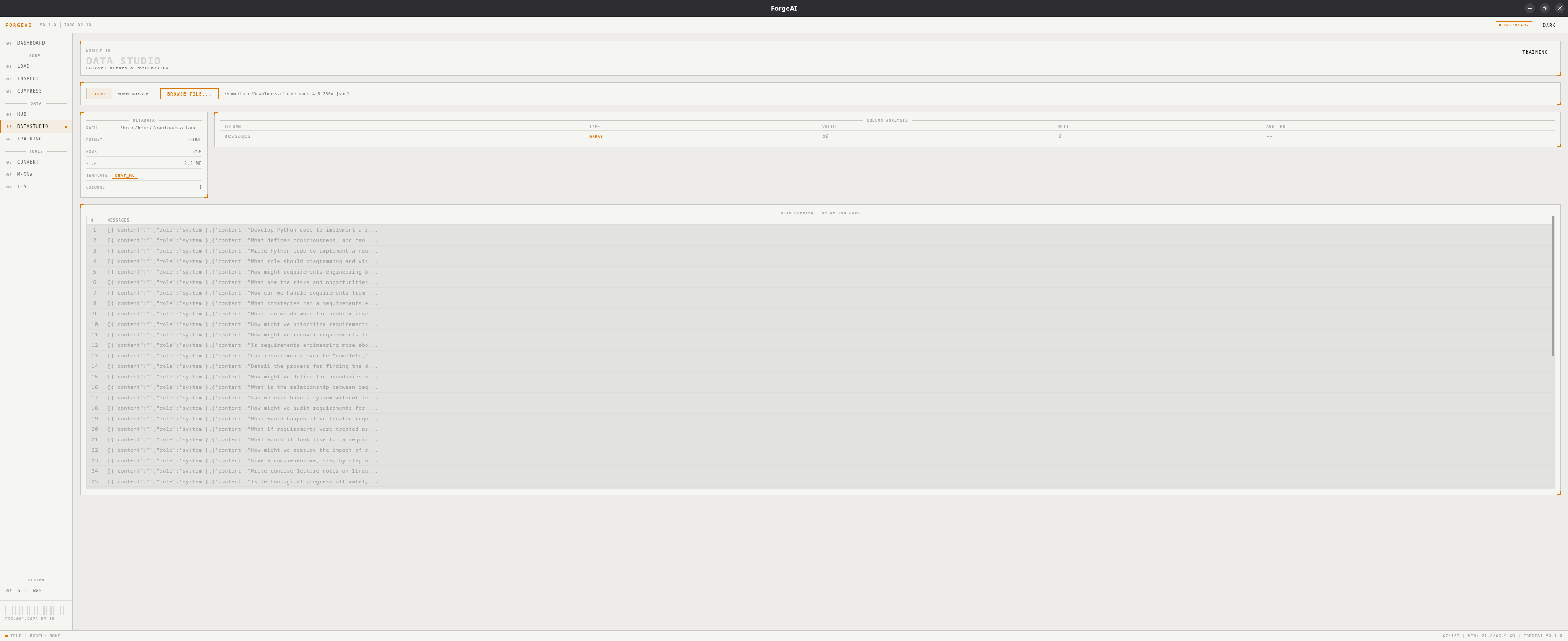
Source Modes
DataStudio has two source modes, toggled via the source bar:- LOCAL
- HUGGINGFACE
Browse and load dataset files from your local disk.
- Click BROWSE FILE
- Select a JSON, JSONL, CSV, or Parquet file
- Dataset loads automatically with metadata, column analysis, and data preview
Supported Formats
Dataset Metadata
After loading, a metadata panel shows:Template Detection
ForgeAI auto-detects common dataset templates:Column Analysis
Each column is analyzed and displayed:Data Preview
A scrollable table showing the first rows of the dataset. Long cell values are truncated with ellipsis for readability.Workflow
1
Choose source
Toggle between LOCAL and HUGGINGFACE mode
2
Load dataset
Browse a local file or fetch + download from HuggingFace
3
Review analysis
Check metadata, template detection, and column analysis
4
Use in training
The dataset path can be used directly in the Training module