

Hub (04)
Download models from HuggingFace and manage a local library. Search by repository ID, download individual files or entire repos, and import existing local models.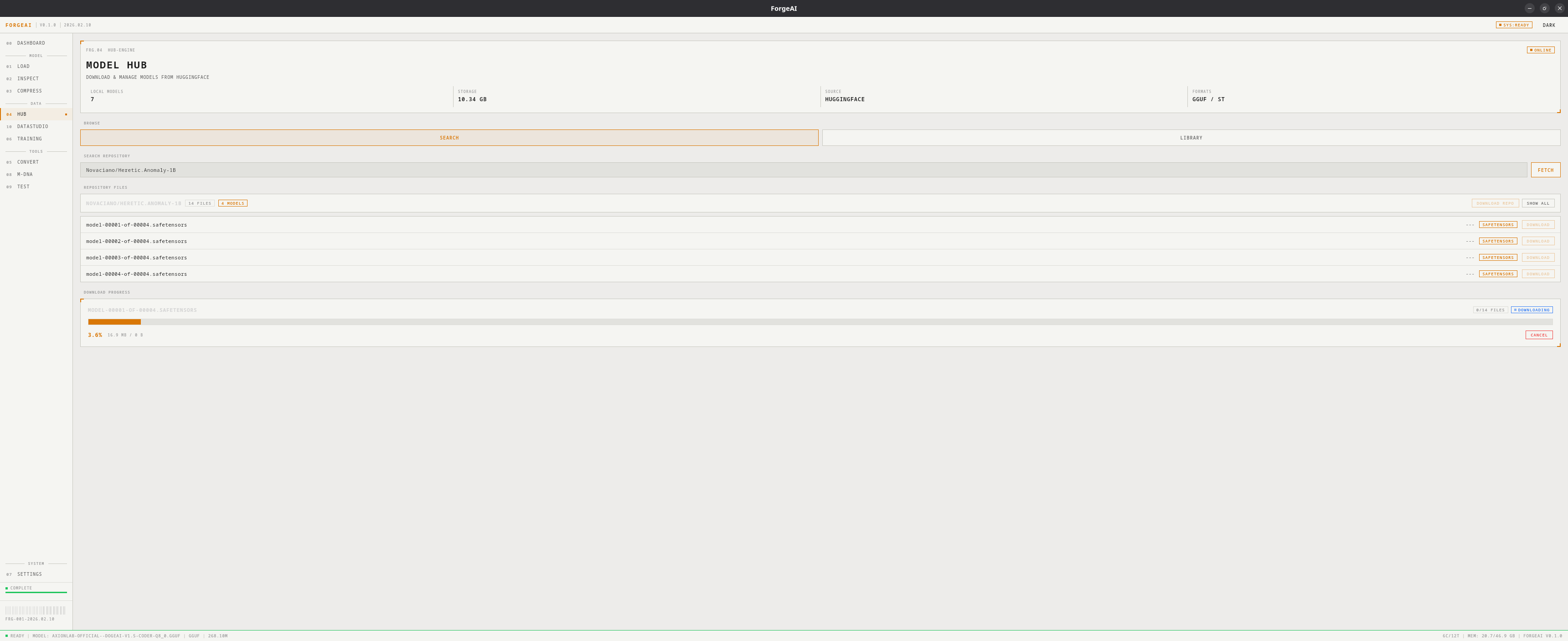
Views
- Search
- Library
Browse and download from HuggingFace:
- Enter a HuggingFace repo ID (e.g.,
TheBloke/Mistral-7B-GGUF) - Click FETCH to list all files
- Each file shows: filename, size, format badge (GGUF, SafeTensors, other)
- Toggle Models Only to filter to model files
- Click DOWNLOAD on individual files or DOWNLOAD REPO for everything
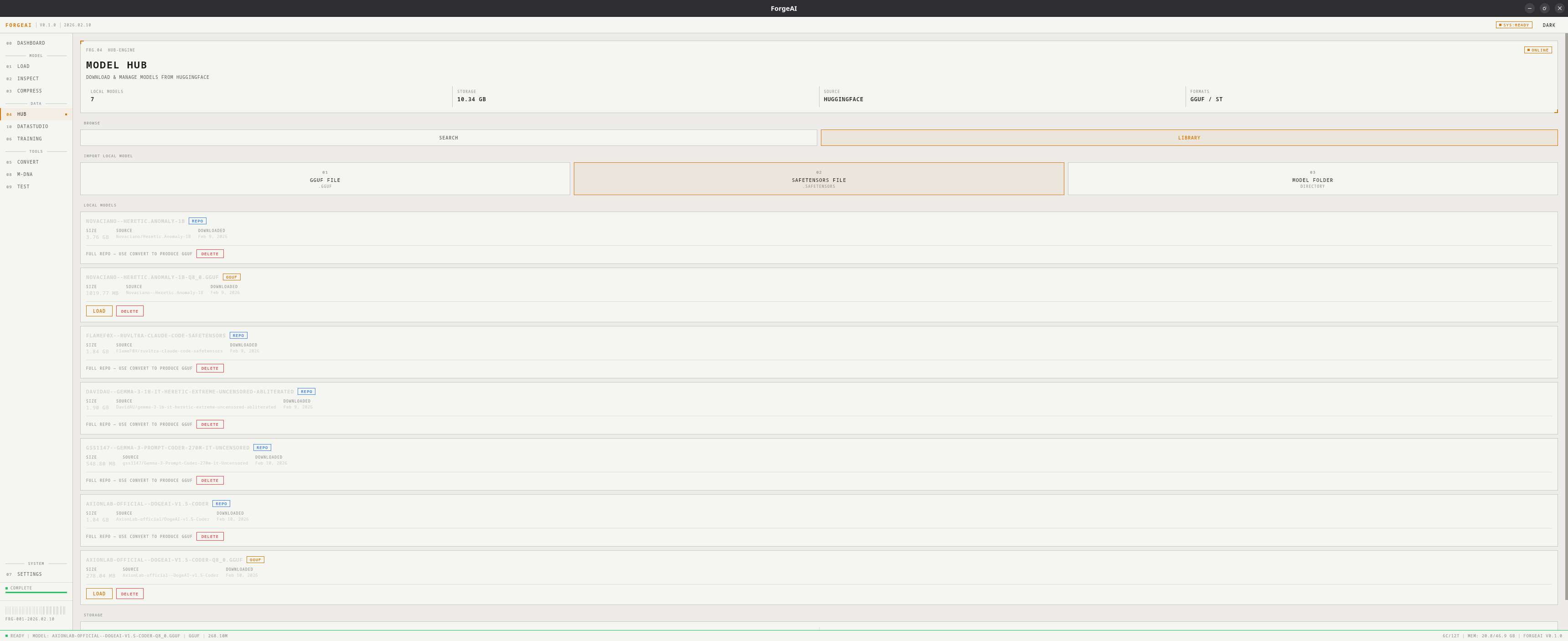
Hero Panel
Workflow: Download and Use
1
Search
Enter repo ID (e.g.,
TheBloke/Mistral-7B-Instruct-v0.2-GGUF) and click FETCH2
Download
Click DOWNLOAD on a specific file (e.g.,
mistral-7b-instruct-v0.2.Q4_K_M.gguf)3
Load
Switch to Library view, click LOAD on the downloaded model
4
Use
Model is now available across all modules